Source code included — v2.0.0
Your team's work, in one place you actually own
Projects, tasks, and team collaboration in one place — with multi-tenant authorization enforced by the architecture, not by remembering to check.
No credit card. Self-host it and there is nothing to cancel.
This is the live demo — sign in and break things
The workspace resets on a schedule, so nothing you do here lasts and nothing you do here matters. Email delivery, billing, and file uploads are all switched off.
- Owner
- ada@dailytm.demo
- Viewer
- sam@dailytm.demo
- Password
- demo1234
What you get
Everything a team needs, and nothing it doesn't
Built for the work people actually do on a Tuesday afternoon — not a feature matrix assembled to win a comparison table.
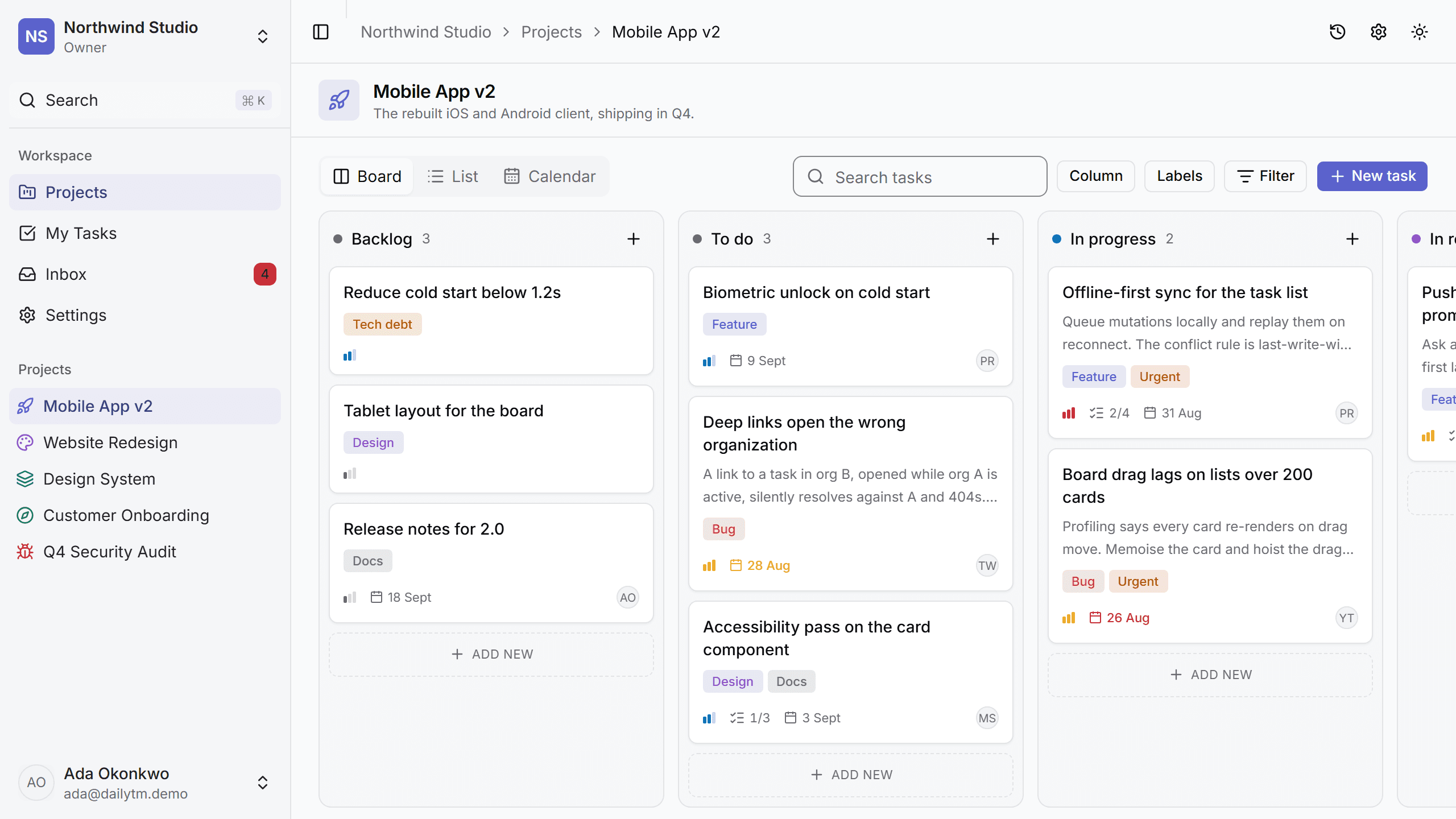
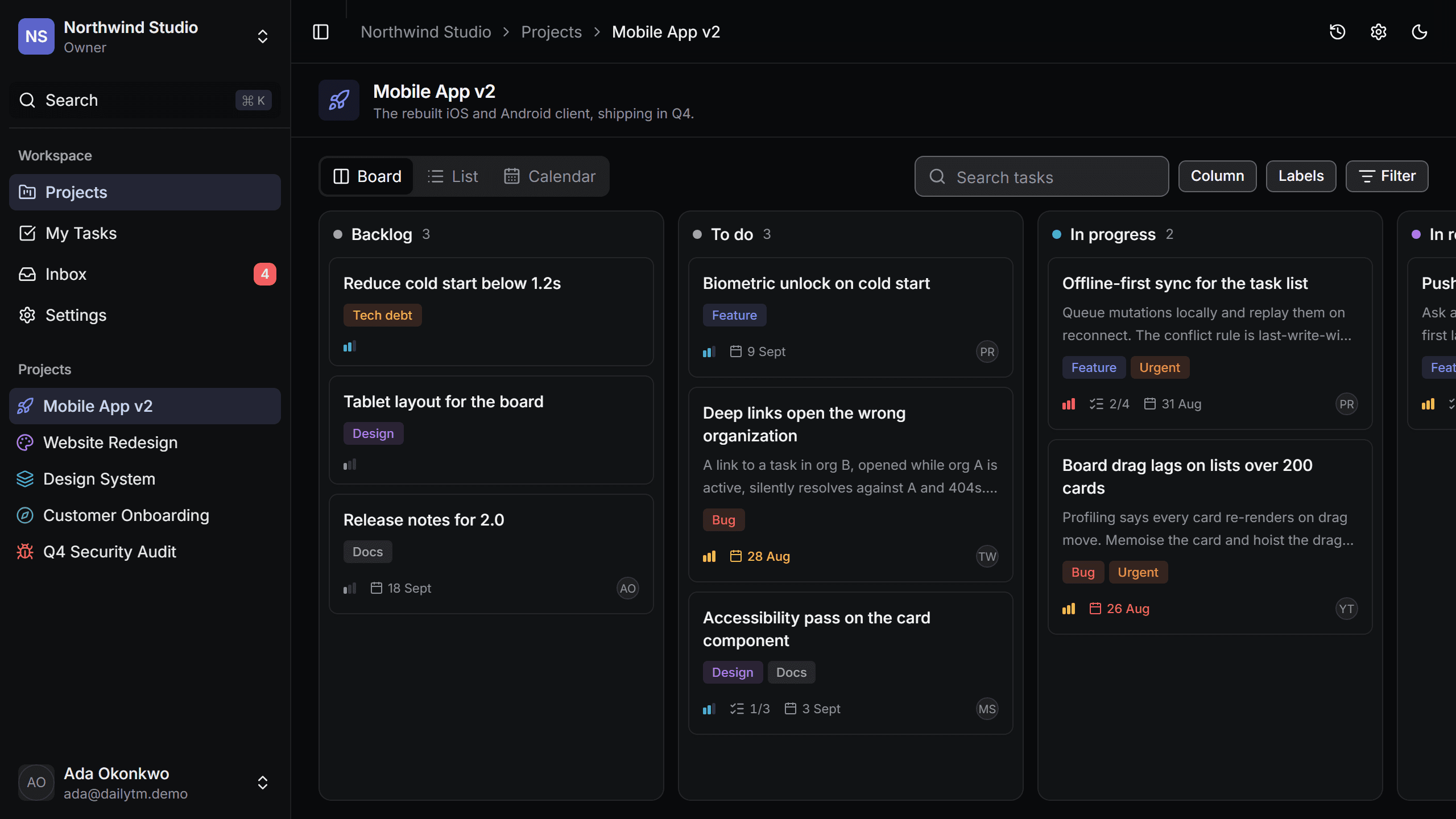
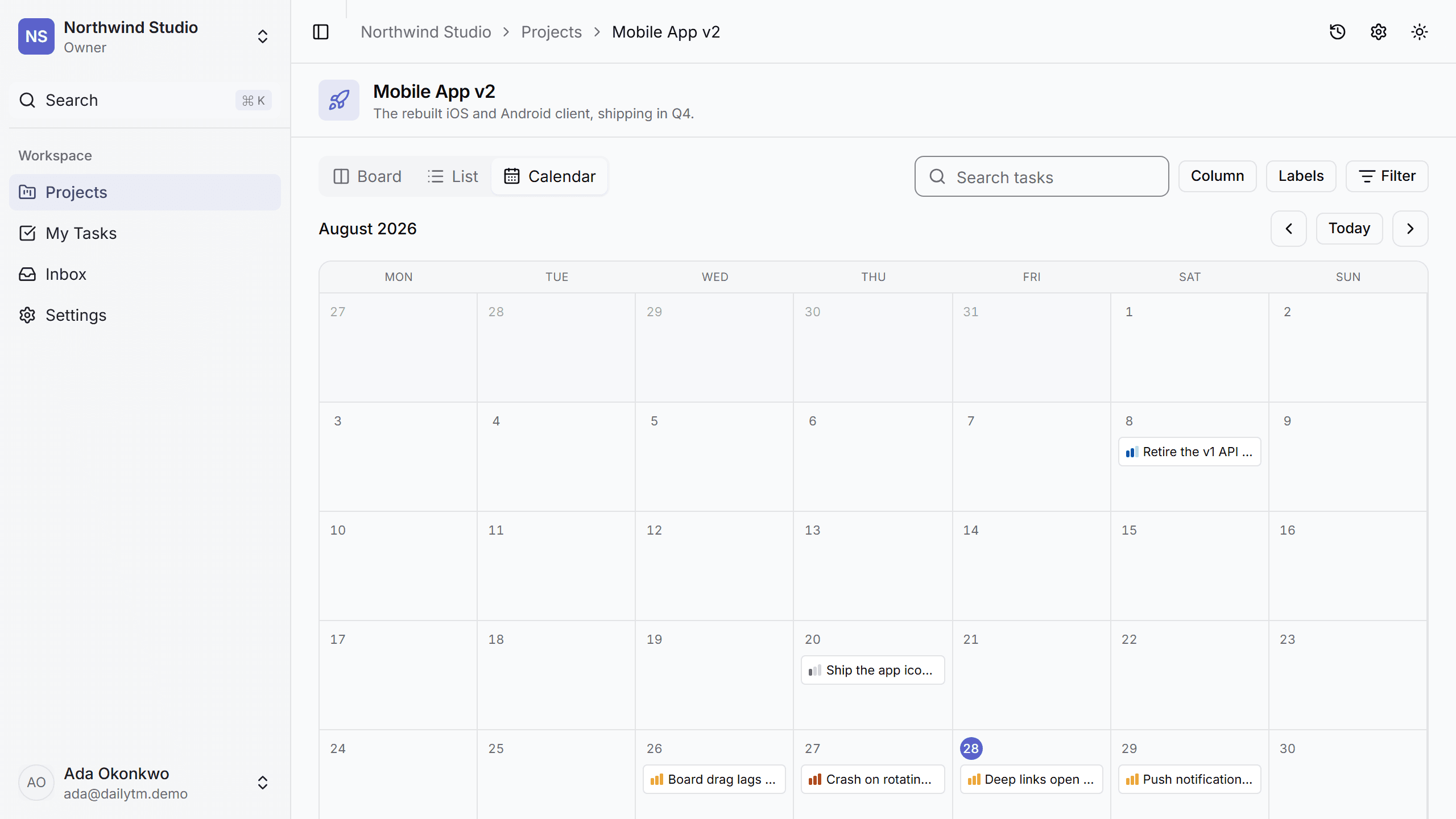
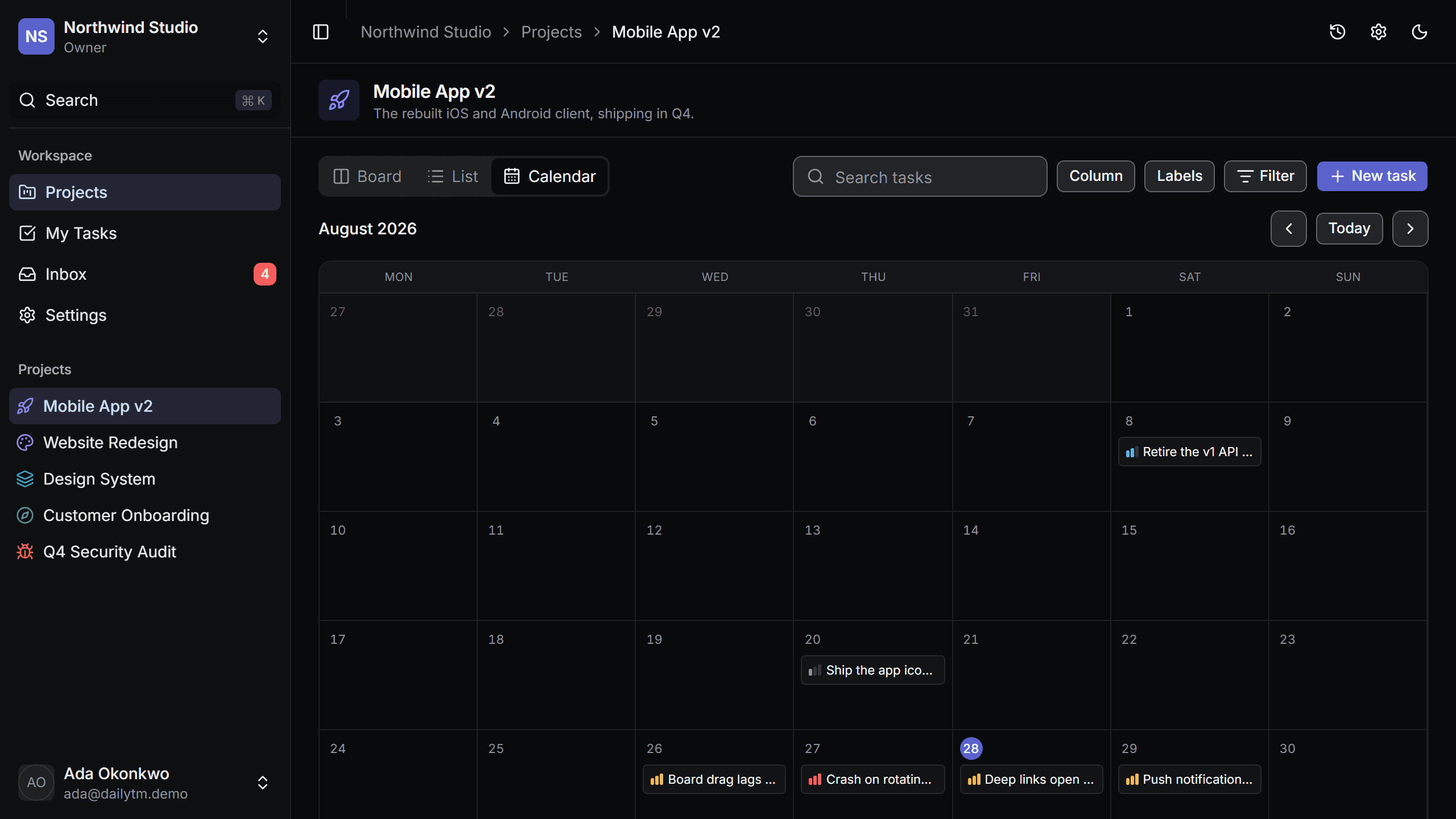
Board, list, and calendar
One set of tasks, three ways to look at them. Filters, search, and the active view all live in the URL, so a link you paste into chat opens exactly what you were looking at.
Statuses you configure
Rename, recolour, and reorder the columns per project. Every rollup keys on a status's category rather than its name, so renaming a column never breaks a query.
Subtasks and labels
One level of subtasks with a completed-total count on the parent card, and organization-scoped labels that mean the same thing on every board.
Comments and @mentions
A rich-text editor on tasks and comments. Mentions are re-resolved on the server from the stored document, so the person shown and the person notified cannot disagree.
Notifications that arrive
An inbox with unread state, per-user email preferences, and due-date reminders from a scheduled job that sends once even if it runs twice.
Files on your storage
Attachments go straight from the browser to any S3-compatible bucket — R2, S3, MinIO, Backblaze, Spaces, Tigris. Private by default, signed on demand.
Search that respects visibility
Postgres full-text search over tasks and projects, wired into the command menu. A restricted project you are not a member of returns nothing, even on an exact title.
Roles that mean something
Owner, admin, member, and viewer, defined once and read by both the interface and the server. A control the UI offers is always a control the server allows.
Three views, one truth
Drag it, sort it, or see it on a calendar
The board is optimistic — a card moves the moment you drop it, and a server error rolls the whole column back and tells you which card failed rather than silently snapping.
- Board. Columns from your own statuses, fractional-index ranking that survives a hundred drops into the same gap.
- List. A sortable, selectable table for the days when the board is the wrong shape.
- Calendar. A month grid built from due dates, so a deadline is somewhere other than a badge.
For the person who has to maintain it
Multi-tenant authorization the compiler helps you get right
This is the half of a source-code product that is normally sold on a screenshot and discovered six months later. So here it is up front.
The tenant comes from the session
Never from a route parameter. A project id in the input is a filter, never a source of authority — and findUnique is banned outright inside the service layer by a lint rule, so a query that could return another organization's row does not compile past CI.
Every service proves it
Each one ships an .authz.test.ts showing that a member of one organization gets NOT_FOUND for another's resource, on read and on write. Reorder included, because that was the hole in v1.
Four gates, on every push
Lint, typecheck, test, and build run in GitHub Actions against a Postgres service container — no account and no API key, so a fork of this repository runs green on the first try.
Getting started
Running locally in about five minutes
Clone and configure
Three environment variables and the app boots. Everything else — email, OAuth, storage, billing — is optional, and its absence hides a feature instead of breaking the app.
Migrate and seed
Committed migrations, never db push. `pnpm db:seed` writes a populated demo organization so you can see every screen with real data in it before you write a line.
Deploy it and keep going
Ship it as-is, or open docs/EXTENDING.md and add your first feature end to end — model, service, authz test, router, page — following a walkthrough that names a real file at every step.
git clone git@github.com:you/dailytm.gitCloning into 'dailytm'... done.cd dailytm && cp .env.example .env.local# three variables are required; the rest are opt-inpnpm installDone in 24.1s using pnpm v10pnpm exec prisma migrate deploy23 migrations applied. Schema in sync.pnpm db:seedSeeded Northwind — 4 projects, 68 tasks, 6 memberspnpm dev▲ Next.js 16.3.3 — ready in 1.4s ➜ http://localhost:3000Timings from a warm pnpm store on a laptop. The first install pulls the packages and takes longer; nothing else on this list does.
Start with the free plan, or take the whole codebase
DailyTM runs on three environment variables. Everything else is optional, and every optional thing you skip simply hides its feature.